What clients look for in a social media VA
Most clients hiring a social media VA are busy business owners: coaches, consultants, small shops, real estate agents. They don't want to think about social media every day. When they look at your portfolio, they're checking four things:
- Does your work look good? Clean designs that fit a brand, not just pretty templates.
- Can you write? Captions that sound like a person and give people a reason to engage.
- Are you consistent? Can you plan ahead and post on schedule without being chased?
- Do you know their platform? Instagram, TikTok, LinkedIn and Facebook all work differently.
Every section of your portfolio should answer at least one of these.
Social media VA services to list
Choose two to four services you can do well, and describe what the client gets. For example:
- Content planning: a monthly content calendar with themes, post ideas and posting times, ready for your approval.
- Post design: on-brand posts, carousels and stories designed in Canva.
- Captions and copywriting: captions written in your voice, with hooks, hashtags and a clear call to action.
- Scheduling: everything scheduled ahead in Meta Business Suite or your favorite scheduler, so nothing goes out late.
- Community management: replies to comments and messages within the day, and leads passed on to you.
- Short video editing: Reels and TikToks cut from your raw clips, with captions and music.
- Monthly reporting: a simple one-page report on what worked and what to try next.
Mention the platforms you work with in each service or in your headline. “Instagram and LinkedIn for coaches” is easier to hire than “all social media”.
Work samples that win clients
Social media work is visual, so your samples should be too. The strongest samples for a social media VA are:
- A content calendar: a screenshot of a month planned in Notion, Trello, Google Sheets or your scheduler.
- A set of designed posts: three to six posts or a carousel shown together, so clients can see a consistent style.
- Before and after: a profile or feed before you worked on it and after. This is very convincing.
- Captions: two or three captions with the post they go with, showing you can write in different voices.
- A short video: a Reel or TikTok you edited. Add a still from it and a link to the full video, so clients can watch it in one tap.
For each sample, add one or two sentences: the brand, the goal and what you did. “A carousel for a bakery's new menu launch, designed in Canva in their brand colors” tells a client much more than the image alone.
How to show results honestly
Clients love numbers, but social media numbers are easy to exaggerate and easy to check. Some simple rules:
- Be specific about time and source: “Instagram reach up from about 2,000 to 9,000 a month over three months” is believable; “400% growth” on its own isn't.
- Show the work you controlled. “Posted 5 times a week for 12 weeks without missing a day” is a result too, and clients value it.
- Use screenshots of the insights page (with private details hidden) where you can.
- Ask before sharing a client's numbers, especially if you name them.
- Never invent results. If you don't have numbers yet, let the quality of your work speak.
Sample projects if you're new
If you don't have clients yet, you can still show exactly how you'd work. Pick an imaginary brand, or a small business you know (using your own made-up content), and make:
- A one-month content calendar with themes and post ideas.
- Six designed posts in a consistent style, including one carousel.
- Captions for three of those posts.
- A profile audit: five clear improvements for a real small business's page, with examples.
- A short Reel edited from free stock clips.
Label each one “Sample project”. Clients respect honesty, and a well-made sample shows your skills as well as client work. Another strong option is to grow your own business page and use it as living proof. For more ideas, read how to make a VA portfolio with no experience.
Example headline, services and work sample
Here's how the first parts of a social media VA portfolio could read:
Headline:
I help coaches show up on Instagram and LinkedIn every week, without spending their evenings writing captions.
Services: Monthly content plan · Canva post and carousel design · Captions in your voice · Scheduling and comment replies
Work sample:
Sample project: one month of Instagram content for a fitness coach. 20 posts planned around 4 weekly themes, 6 carousels designed in Canva, and captions with a clear call to action on every post.
You'll find more example headlines and service descriptions for other types of VA in our virtual assistant portfolio examples.
Choosing a design
Your portfolio is a sample of your design taste, so its look matters more for a social media VA than for most. Choose a style that matches the clients you want:
- Creative brands, influencers and young businesses: bold, colorful designs like Pop or Midnight.
- Coaches and personal brands: warm, friendly designs like Journal or Spotlight.
- B2B and LinkedIn clients: cleaner, more corporate designs like Edge or Crest.
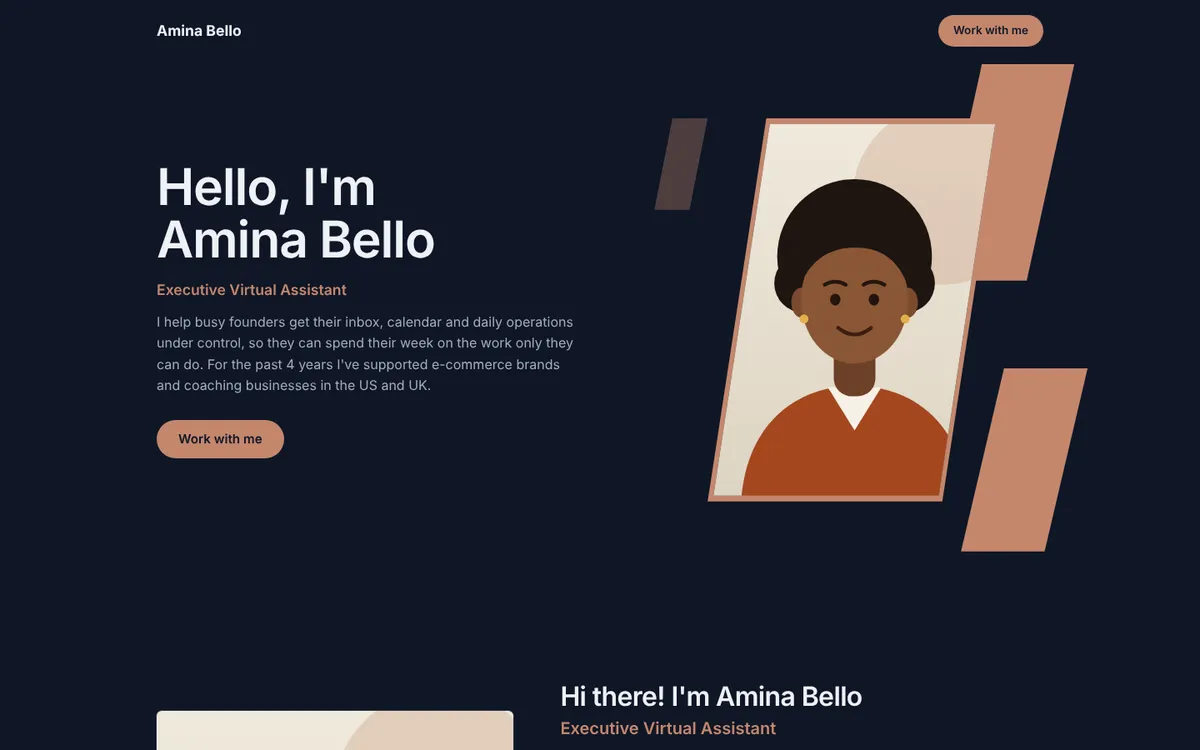
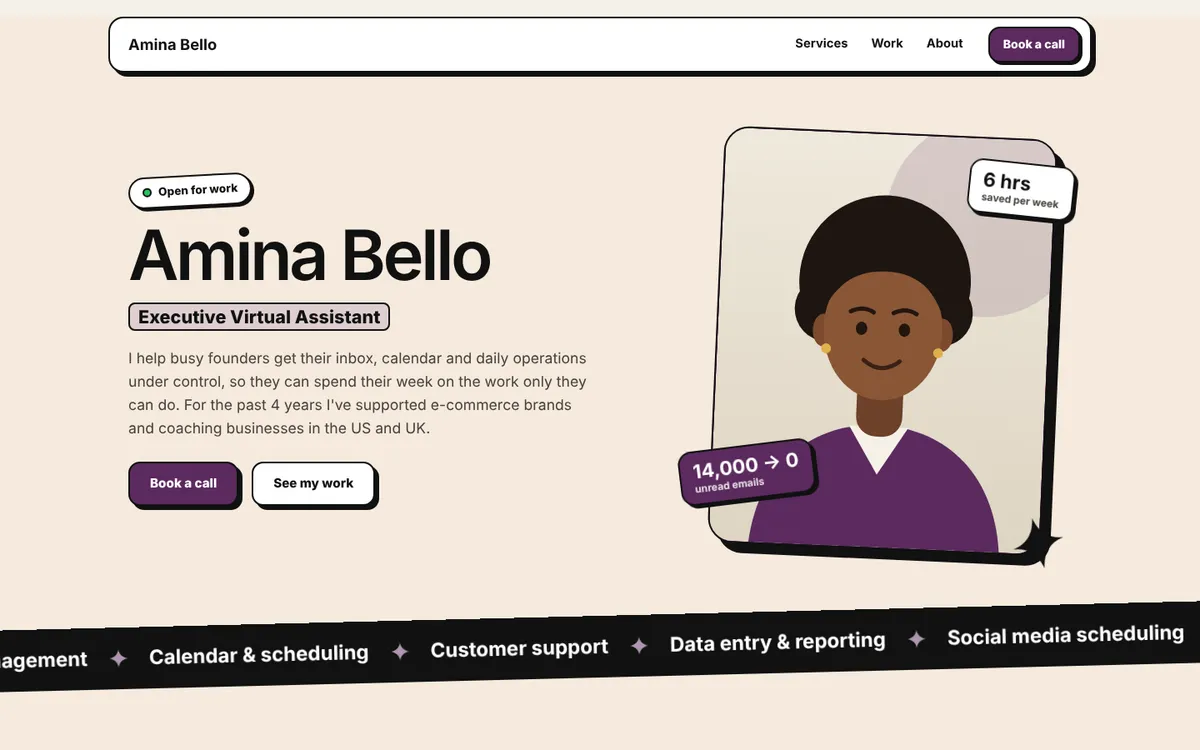
Whichever you pick, use your brand colors and keep it easy to read on a phone. That's where most of your clients' customers live, and often where the client will open your link too. For help choosing, see how to choose a VA portfolio template, and for the full checklist of sections, read what to include in a virtual assistant portfolio.
Frequently asked questions
What should a social media virtual assistant portfolio include?
A clear headline saying which clients and platforms you help with, two to four services, work samples such as content calendars, post designs, captions and short videos, any honest results, the tools you use (Canva, Meta Business Suite, a scheduler), testimonials and a booking button.
Can I use posts I made for a client in my portfolio?
Usually yes, if the posts were published publicly, but ask the client first, especially if you want to name them or show their numbers. If they say no, show the work without their name or make a similar sample for an imaginary brand.
How do I build a social media VA portfolio with no clients?
Create a sample brand (or use a small local business, with your own made-up content) and make a month's content calendar, six designed posts, a set of captions and a profile audit. Label everything as sample work. You can also grow your own page and show that as proof.
Should I link my own Instagram or TikTok?
Only if it shows the kind of work you want to be paid for. A consistent, well-designed page is great proof. A personal account full of holiday photos is better left out.
Is a Canva PDF enough for a social media VA portfolio?
A PDF can work as an attachment, but a portfolio page is easier for clients to open on their phone, can show videos, and can be updated without sending a new file. Many social media VAs use both: a portfolio link everywhere, and a PDF when a job application asks for one.
How many work samples should I show?
Two or three strong ones, each showing a different service (for example a content calendar, a set of designed posts and a short video). The free VAPortfolio plan has room for 3 work samples.